Your whole cyber cafe in one software.
Print, scan, PVC & ID cards, PDF editing, photo & signature sizing, bills, resumes and more — 20 tools in one window. Everything runs on your own PC. No server. No upload. No internet needed.
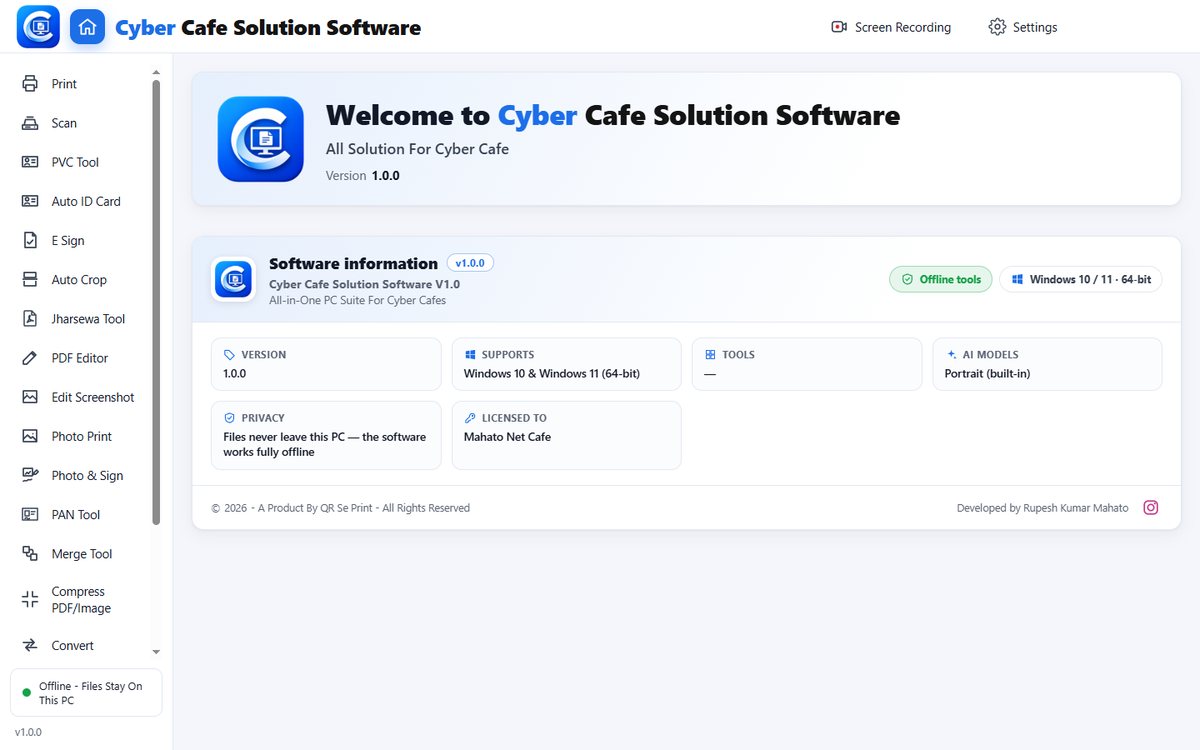
Your customers' files never leave your PC
Most online tools make you upload an Aadhaar or a photo to a stranger's website. This software has no website behind it — it opens, works and saves on your computer.
The only time it uses the internet is when you press Check for update (or choose to install a printer driver from Windows Update).
From download to first job in 5 simple steps
No setup headache, no server to manage.
Download & install
Run the setup like any Windows program. Next, Next, Install.
Enter your key once
Serial Key + Software Key, typed once. It then opens on that PC — even offline.
Drop the customer's file
PDF, phone photo, scan, Word, Excel — drag it onto the tool you need.
It works on your PC
Crop, resize to exact KB, edit text, remove background — nothing is uploaded.
Print or save
One click to your printer, or save the result in the same folder.
The daily rush, made easy
Without it
- Ten different websites for photo size, PDF compress, merge, convert…
- Customer's Aadhaar and PAN uploaded to sites you don't know
- Ads, size limits, "pay to download", slow internet
- Resize photo again and again until the KB limit passes
- Every job repeated by hand for every customer
With Cyber Cafe Solution Software
- 20 tools in one window — pick the tool, drop the file
- Everything stays on your PC — customers can trust you
- No ads, no limits, no internet needed
- Exact pixel and exact KB in one go — form portals accept it
- Auto-crop, auto-fit, auto-layout — the software does the repeat work
See what's inside
These are screenshots of the actual software running on a PC.
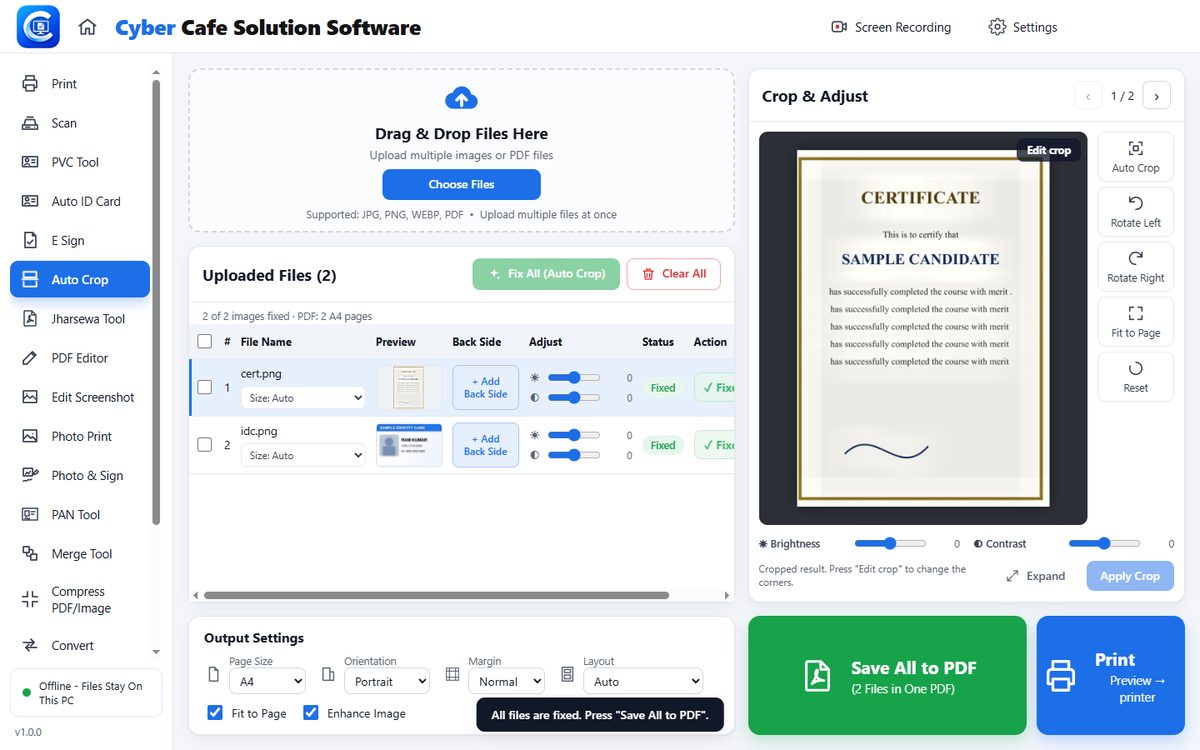
Tap a tool below to see its real screen.
The questions customers ask — solved in seconds
Exact size, one click
Set pixels, cm or inch and an exact KB limit. Background can be made white with AI — on your PC.
Photo & SignDrop all cards together
Many Aadhaar, PAN and voter files at once — front and back are matched and placed on the A4 sheet.
Auto ID CardOne PDF, right size
Merge any mix of photos, PDFs and Word files, then fit it under the limit with the best quality.
Jharsewa Tool · CompressClick the word, type the fix
Same font, same size, same place — even on scanned pages and locked admit cards.
PDF EditorA proper invoice with UPI QR
10 designs, your shop name and logo saved once, rate list ready — save PDF or print.
Bill MakerFill the form, get the PDF
10 designs with a live preview. Download PDF or Word, and find old resumes later by mobile number.
Resume MakerOne key. Works offline.
The licence has no server either. You type your two keys once and the software opens on that PC.
How the licence works
You get two keys
A Serial Key and a Software Key — shown on your private page right after purchase and sent to your email.
Type them once in the software
The software checks them on your PC — no internet. If they are right, it opens.
It is tied to that PC
The activation is saved against that PC's ID, so a copied file will not run on another computer.
Changing your PC?
Settings → Licence → Disconnect this PC, then type the same keys on the new PC. No call, no waiting.
Software Key : XXXXX-XXXXX-XXXXX
What you get
- A unique key pair — every key is sold only once, in order
- No yearly renewal, no subscription
- Updates: press Check for update in Settings (uses internet only then)
- Your name & logo on the software (Settings → Name & Logo)
- Help on WhatsApp
Ready to start?
Pay securely and your Serial Key + Software Key appear on the next page and on your email.
Your details
Cyber Cafe Solution Software
- All 20 tools, unlimited use
- Runs fully offline on your PC
- Keys by email + on your private page
- One key = one shop
Prefer UPI / cash or have a question?
Message us on WhatsApp — we will give you the next key right away.
💬 WhatsApp +91 84048 32414Download for Windows
Windows 10 / 11 (64-bit). The software opens with your key — you can install it first and add the key later. If Windows says “Windows protected your PC”, click More info → Run anyway.
Quick answers
Does it need internet?
No. Every tool works offline. Internet is used only if you press Check for update in Settings, or choose to install a missing printer/scanner driver from Windows Update.
Where do my customers' files go?
Nowhere. They are processed on your PC and only saved when you press Save or Print. There is no server and no upload.
Which Windows and PC do I need?
Windows 10 or 11, 64-bit. Any normal cyber-cafe PC works. Scanners and printers appear automatically if their driver is installed in Windows.
Will it work with my printer and scanner?
Yes — it uses the printers and scanners already installed in Windows (Canon, Epson, HP, Brother and others). PVC card printing works with your PVC printer, and there is an Epson Photo+ project export.
Can I use one key on two PCs?
One key is for one shop. You can move it to a new PC yourself: Settings → Licence → Disconnect this PC, then type the same keys on the new PC.
Windows shows “protected your PC”. Is it safe?
This message appears for software that has no paid publisher certificate yet. Click More info → Run anyway. The software never sends your files anywhere.
Do Word / Excel conversions work?
Yes. For old .doc / .xls / .ppt files the software uses Microsoft Office or LibreOffice if one is installed on the PC; the file stays on your PC.
How do I get updates?
Settings → Check for update. It tells you if a new version is available and installs it — your key is not asked again.
Terms & Conditions
No refund after purchase. All sales of Cyber Cafe Solution Software are final, because the software is sold at a low price.
Cyber Cafe Solution Software is not digitally signed. Because of this, Windows may show a security alert such as “Windows protected your PC” when you install or open it. To continue, click More info and then Run anyway, and install it anyway. Your browser or antivirus may also warn you; if it does, choose to keep or allow the file.
On Windows 11 with Smart App Control turned on, Windows may block the software completely, with no Run anyway option. If this happens, WhatsApp us before you buy.
Download the software only from qrseprint.in. Do not install a copy received from anyone else.