No computer needed. Connect your USB printer to an Android phone with an OTG cable. Customers scan your shop QR code, upload their file and pay online or in cash — the phone prints it automatically.
The app
The same QR Se Print you know from Windows, built for Android. Clean, simple and fully in English.
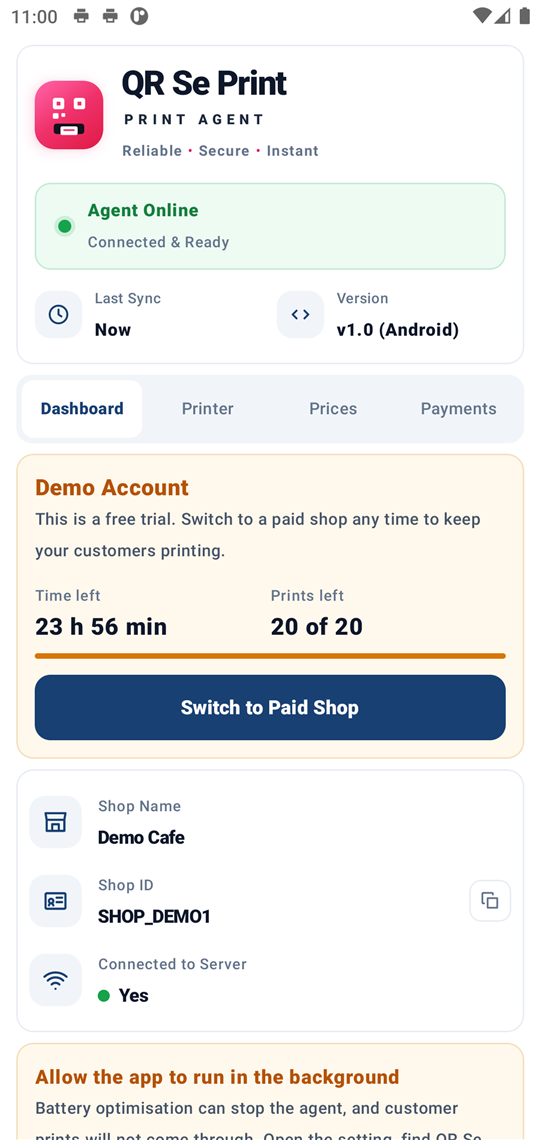
Today's jobs, earnings and the live printer status at a glance.
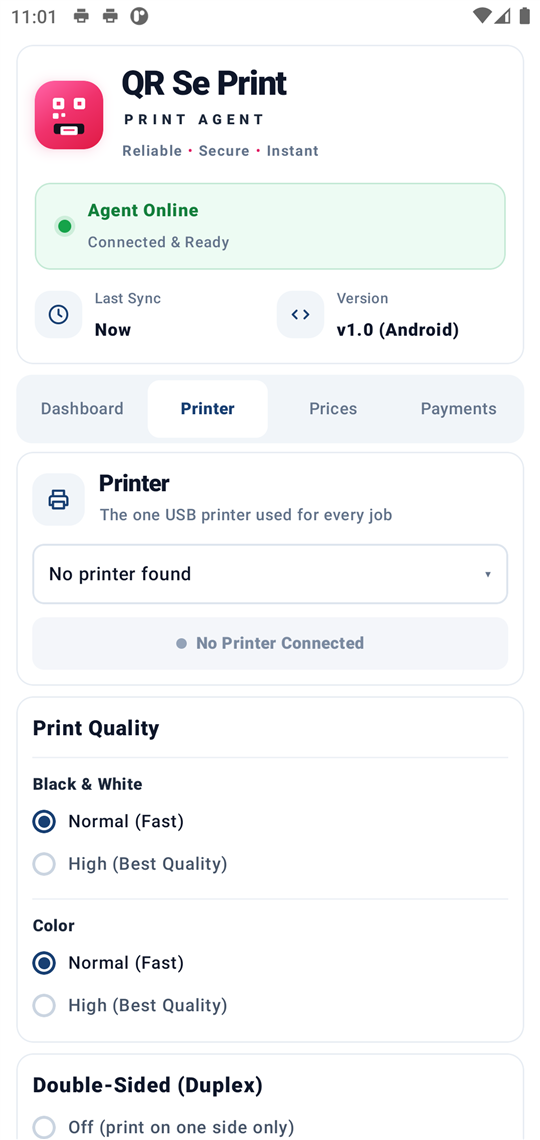
Plug in the printer — it is detected on its own. Choose quality and double-sided.
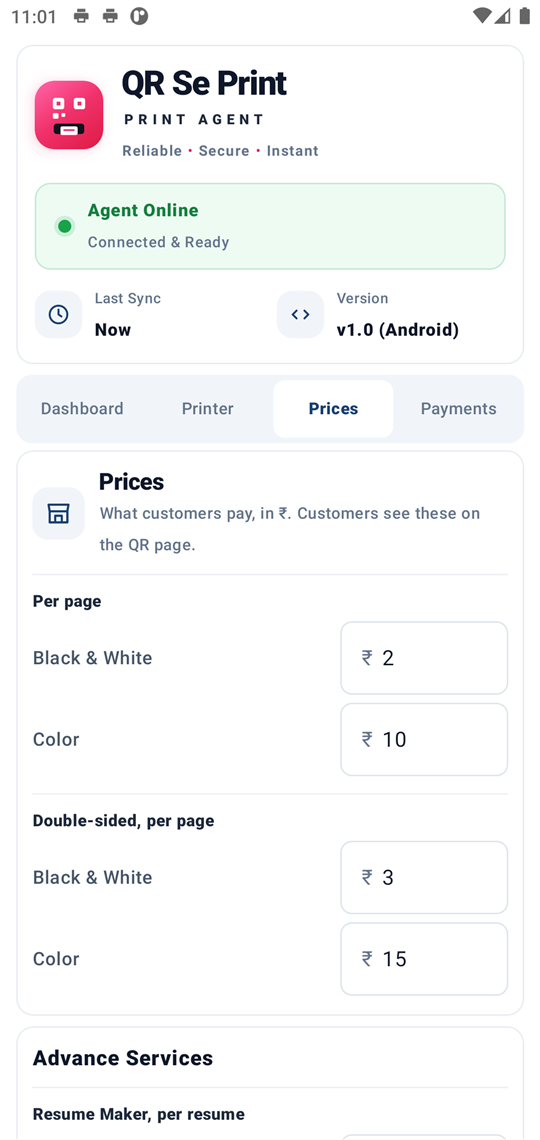
Set black & white, colour, double-sided and photo prices. Tap Save.
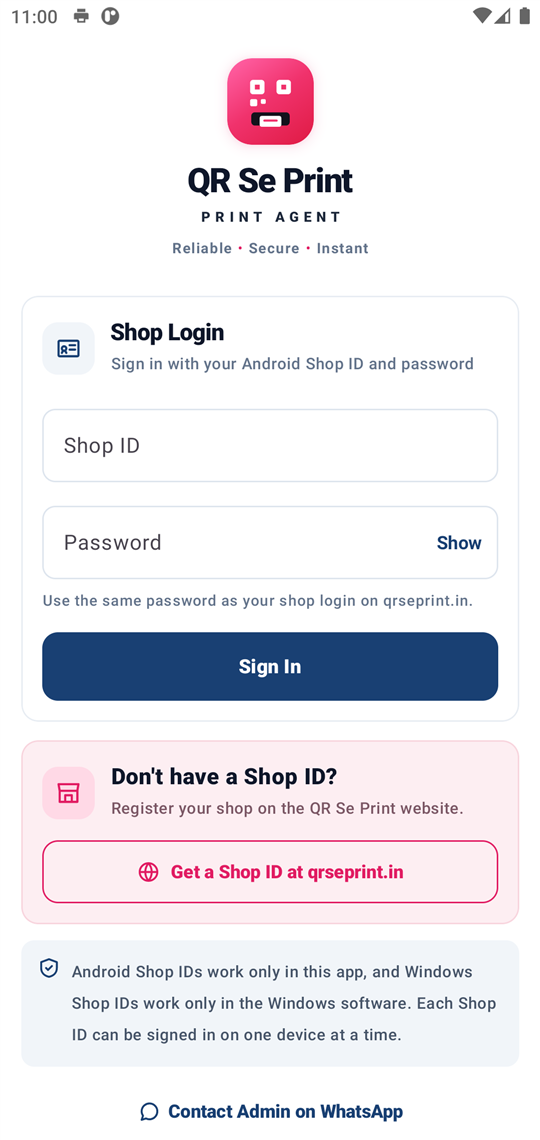
Sign in once with your Shop ID and password. The app stays signed in.
Set up once
Follow these steps one time. After that the phone does the work.
Take the free demo on this page, or choose Monthly, Yearly or Lifetime.
Install QR Se Print from the Google Play Store. During beta testing, join the tester group first (see the top of this page).
Open the app and sign in with your Shop ID and password.
Connect the USB OTG adapter to the phone's charging port.
On some phones: Settings → Connected devices → turn OTG on.
Plug the printer's USB cable into the OTG adapter and allow access.
The app detects the printer and shows it is ready. Print a test page.
Enter your prices in the Prices tab and tap Save. You are live.
Every customer
Nothing changes for customers. They use your shop QR code exactly like the Windows version.
Plans for Android
Every plan has all features and unlimited prints. Your Shop ID and QR code stay the same when you renew or upgrade.
Valid for 30 days. Renew when it ends.
Pay once for 365 days.
Never expires. No renewal.
What you need
FAQ
No. The Android phone does everything the Windows computer did: it receives the files and prints them.
Most USB printers from Epson, Canon, HP, Brother, Samsung and others work. Take the free demo and tap Print Test Page in the app to check yours.
No. A paid Windows Shop ID works only in the Windows software, and an Android Shop ID works only in the Android app. Each Shop ID can be signed in on one device at a time.
Every feature, for 2 days or 20 prints — whichever comes first. You get a Shop ID and password at once. When you choose a plan, the same Shop ID and QR code keep working.
Monthly and Yearly plans run for 30 and 365 days. When a plan ends, customers cannot pay or print until you renew in Shop login. Your Shop ID, QR code and settings are kept. The Lifetime plan never ends. There are no ads in the app on any plan.
Online payments go straight to your own Razorpay or Cashfree account. Set it up after login under Payment setup, or accept cash at the counter.
Files are deleted from the server automatically after printing, and they are never saved in your phone's gallery or storage.
Start the free demo — you will have your Shop ID in a minute.
Next step: payment. Your Shop ID works in the Android app right after payment.
You will sign in to the app with your Shop ID and this password. Keep it safe.
Every feature for 2 days or 20 prints, whichever comes first. No payment. Your password is your WhatsApp number.
One demo per WhatsApp number. Like it? Choose a plan in Shop login — the same Shop ID keeps working.